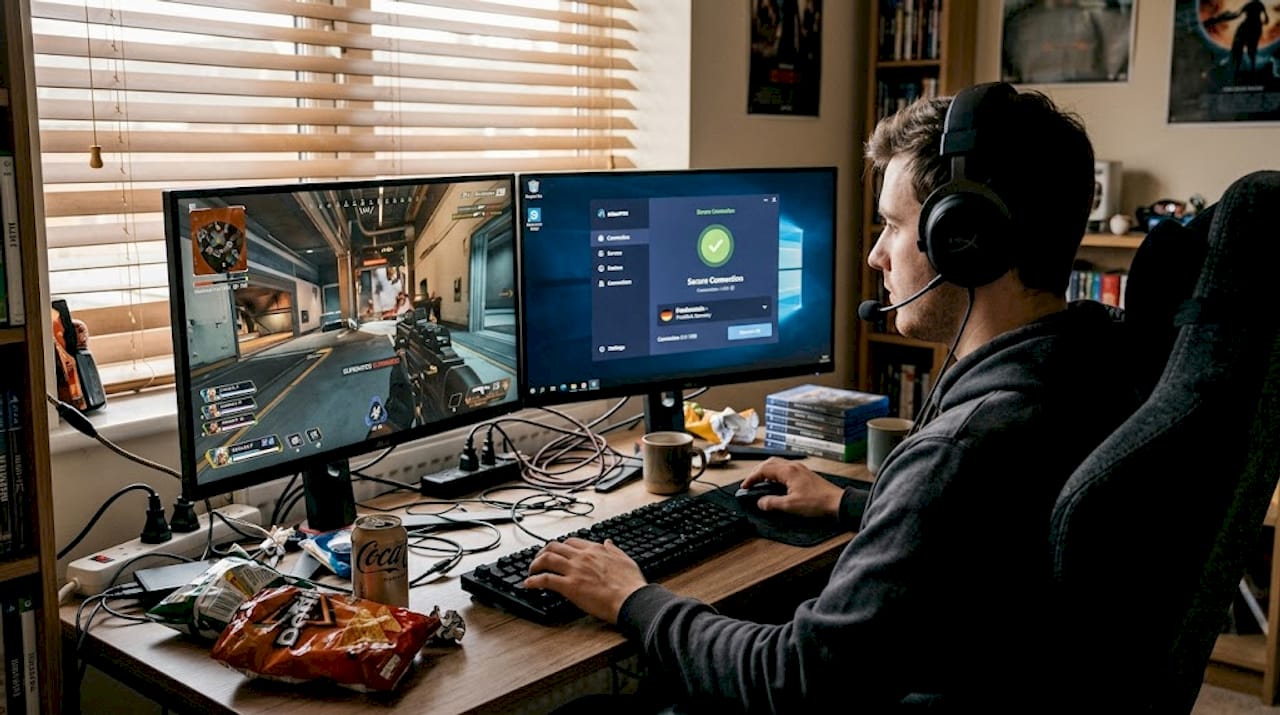
How to buy digital accounts securely: step-by-step guide

Losing access to a streaming account you paid for is genuinely frustrating, especially when the seller vanishes and the platform locks you out permanently. Millions of consumers hunt for affordable digital accounts every year, drawn by the promise of cheap streaming, VPN, and AI tool access. But the shortcuts that seem like a bargain often carry serious risks: bans, stolen credentials, and zero customer support. This guide walks you through every stage of buying digital accounts safely, from understanding the risks to verifying your access, so you get real value without the headaches.
Table of Contents
- Understanding the risks and rules of digital account buying
- What you need before buying a digital account
- How to buy digital accounts step by step
- Verifying account access and troubleshooting issues
- Why shortcuts rarely pay: A realistic look at the digital account marketplace
- Get instant access to top digital accounts with trusted support
- Frequently asked questions
Key Takeaways
| Point | Details |
|---|---|
| Avoid risky resellers | Third-party account deals can lead to bans, lost access, and weak support. |
| Go official for safety | Buying directly from providers ensures secure access and reliable support. |
| Prepare before buying | Have a valid email, payment method, and read the service’s terms of service first. |
| Follow step-by-step verification | Check confirmation emails and test access right after purchase. |
| Consider family or multi-device plans | Official sharing and family options often give the best value and compliance. |
Understanding the risks and rules of digital account buying
A “digital account” in this context means login credentials or subscription access for a service like Netflix, Spotify, a VPN, or an AI tool. The appeal of third-party sellers is obvious: lower prices, instant availability, and no long-term commitment. But the reality is more complicated.
Platforms invest heavily in streaming platform security to detect unusual login patterns. When a single account is shared across dozens of users from different locations, the platform notices. Buying pre-made accounts from third-party resellers violates terms of service and carries serious risks including permanent bans, credential theft, and sudden loss of access.
Here is a quick comparison of your main buying options:
| Factor | Official purchase | Third-party reseller |
|---|---|---|
| Price | Standard or discounted tiers | Often cheaper upfront |
| Account security | High | Low to medium |
| Customer support | Full provider support | Limited or none |
| TOS compliance | Yes | Usually no |
| Access reliability | Guaranteed | Unpredictable |
| Refund/recovery | Available | Rarely possible |
The most popular account types consumers seek out include:
- Streaming services: Netflix, Spotify, DAZN, Disney+
- VPN subscriptions: NordVPN, ExpressVPN, VyprVPN
- AI productivity tools: CapCut Pro, Midjourney, ChatGPT Plus
When a reseller sells you an account, they may have created it with a stolen credit card, or they may be reselling one account to 20 buyers simultaneously. The Apple terms of service and most major platforms explicitly prohibit account sharing outside a household. Violations can result in immediate termination without a refund.
Warning: Official platforms are tightening enforcement in 2026. Netflix, for example, now tracks IP addresses and device fingerprints to detect unauthorized sharing. Getting caught means losing everything you paid for.
The smarter path is to explore streaming provider features like ad-supported tiers or family plans, which offer genuine affordability without the legal and security exposure. These plans are designed for budget-conscious users and come with full platform support.
With the risks clear, let’s walk through legitimate and practical ways to find the right digital account for your needs.
What you need before buying a digital account
Once you know what to watch out for, you’ll need to gather a few essentials before starting. Rushing into a purchase without preparation is one of the most common ways buyers end up with problems.
Here is what you need ready before you buy:
| Requirement | Why it matters |
|---|---|
| Valid email address | Receives confirmation, credentials, and support messages |
| Secure payment method | Protects financial data during checkout |
| Understanding of service policies | Prevents TOS violations and account loss |
| Device compatibility check | Ensures the service works on your hardware |
| Two-factor authentication setup | Adds a security layer to your new account |
Before clicking “buy,” run through this checklist:
- Read the provider’s terms of service for sharing and device limits
- Check independent reviews for the platform or reseller you’re considering
- Confirm the deal matches official pricing tiers (suspiciously low prices are a red flag)
- Verify the seller offers a clear refund or replacement policy
- Look for account privacy issues disclosures, especially on third-party platforms
Red flags to avoid:
- Prices that are 80% or more below the official rate
- No customer support contact listed
- Payment only accepted via cryptocurrency or gift cards
- No refund policy or vague “all sales final” language
Pro Tip: Use a virtual card or PayPal when purchasing digital accounts. Both offer dispute resolution if something goes wrong, which a direct bank transfer does not.
Official purchases ensure instant access and reliable support from the provider, something resellers simply cannot match. When you buy direct VPN subscriptions or streaming plans from official sources, you get a confirmation email within seconds and a clear path to support if anything breaks.

Understanding Netflix official sharing rules before you buy also helps you pick the right plan tier, whether that’s a standard individual plan or an extra member slot for a family member.
Also make sure your chosen VPN payment security method is supported by the provider. Most major VPNs accept credit cards, PayPal, and even cryptocurrency, giving you flexibility without sacrificing protection.
How to buy digital accounts step by step
With everything ready, here’s how to move through the buying process smoothly for each type of account.
Streaming accounts (Netflix, Spotify, DAZN):
- Go directly to the official website of the streaming service.
- Select the plan that fits your usage: individual, standard, or premium.
- Create a new account using a valid email address.
- Enter your payment details on the official checkout page.
- Check your email for the confirmation and activation link.
- If you want to share with someone outside your household, use the official extra member feature. Sharing outside your household requires paid extra member slots on most platforms in 2026.
VPN accounts:
- Visit the VPN provider’s official site (never a third-party clone).
- Choose a subscription length: monthly, annual, or multi-year plans usually offer the best savings.
- Select a supported payment method.
- Download the app after purchase and log in with your new credentials.
- VPNs like ExpressVPN support multiple devices per account, so one subscription often covers your phone, laptop, and tablet.
You can also explore buying VPN accounts through trusted platforms that offer verified credentials and replacement guarantees if access is ever disrupted.
AI tool subscriptions (Midjourney, CapCut Pro, ChatGPT Plus):
- Navigate to the official pricing page of the AI tool.
- Compare tiers carefully. Midjourney pricing varies by usage volume, so pick what matches your actual workflow.
- Avoid any “lifetime” deals from unverified sources. These are almost always unauthorized resells.
- Complete checkout on the official platform and save your confirmation email.
- Check device support information to make sure the tool works across your devices.
Pro Tip: Screenshot or save your official purchase confirmation email. If you ever need to contact support, that email is your proof of purchase and speeds up resolution significantly.
Verifying account access and troubleshooting issues
Once you’ve made your purchase, it’s crucial to ensure everything works as expected. Many buyers skip this step and discover problems days later when it’s harder to resolve.
Run through this verification checklist right after purchase:
- Check your inbox (and spam folder) for the activation or confirmation email
- Log in immediately and confirm the subscription tier is correct
- Test the service on every device you plan to use
- Verify that your account region matches your location
- Enable two-factor authentication before doing anything else
If you cannot log in, here is the official support process:
- Use the “Forgot password” option on the provider’s login page.
- Contact official customer support via the provider’s help center.
- Provide your purchase confirmation email as proof.
- Request account recovery or a replacement if the issue is on their end.
The situation is very different if you bought from a reseller. Reseller sites offer cheap Netflix and VPN accounts, but sharing detected via IP or device tracking leads to verification requests or termination without any refund. Once a reseller account is banned, it is essentially unrecoverable.
Key warning: Gray-market accounts carry no guarantee. If the platform detects unauthorized sharing or resale, your access disappears instantly and permanently.
Common issues to watch for after any purchase include:
- Region locks: Some services restrict content by country. Use an official account from your region.
- Verification loops: Triggered when a platform detects unusual login activity.
- Device limit errors: Exceeding the allowed number of simultaneous streams.
For platform-specific help, resources like account verification tips and Disney+ account support can walk you through common fixes quickly. And if you want to understand the broader legal picture, the account sharing risks breakdown is worth reading.
Why shortcuts rarely pay: A realistic look at the digital account marketplace
Here is the honest take many articles won’t share: cheap reseller accounts are not actually cheap when you factor in the full cost.
You might save $5 on a monthly subscription upfront. But when the account gets banned two weeks in, you lose that money entirely. Then you buy again. And again. Over a year, you have paid more than an official plan would have cost, and you have had zero reliable access in between.
Platform detection technology is genuinely impressive in 2026. Services track device fingerprints, login locations, and usage patterns simultaneously. Legitimate, affordable access comes from official multi-device or family plans and ad-supported tiers, not third-party accounts that violate TOS and deliver unreliable service.
The contrarian truth is that paying the official price is often the budget move. A $15 per month official plan beats three failed $4 reseller accounts in the same period.
Practical wisdom: document every account you own. Keep a secure password manager with your credentials, subscription renewal dates, and support contact info. This makes troubleshooting fast and painless.
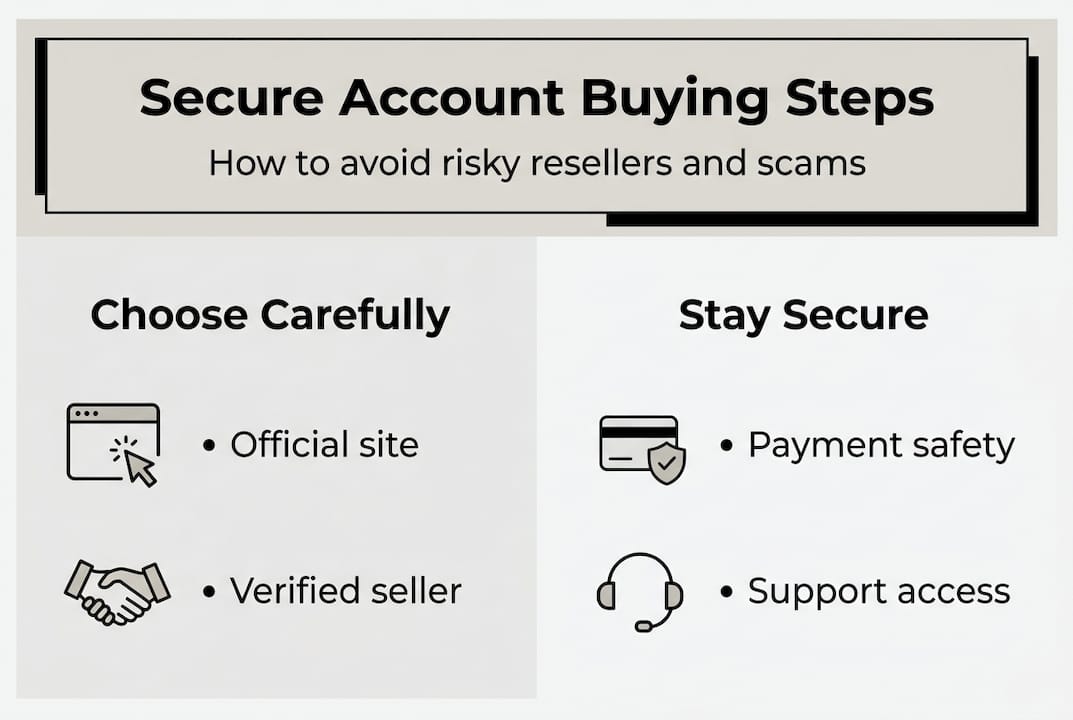
Pro Tip: Rotate your passwords every 90 days and enable two-factor authentication on every account. This protects you even if a data breach exposes your credentials.
For VPN access specifically, trusted VPN solutions from verified providers give you the security and multi-device support that reseller accounts simply cannot replicate.
Get instant access to top digital accounts with trusted support
Ready for a safer and faster way to buy? Here’s how Accroku makes the process seamless.
At Accroku, we specialize in verified digital account delivery with instant credential access and 24/7 customer support. Every account comes with automatic replacement protection, so if something goes wrong, you are covered without the runaround.
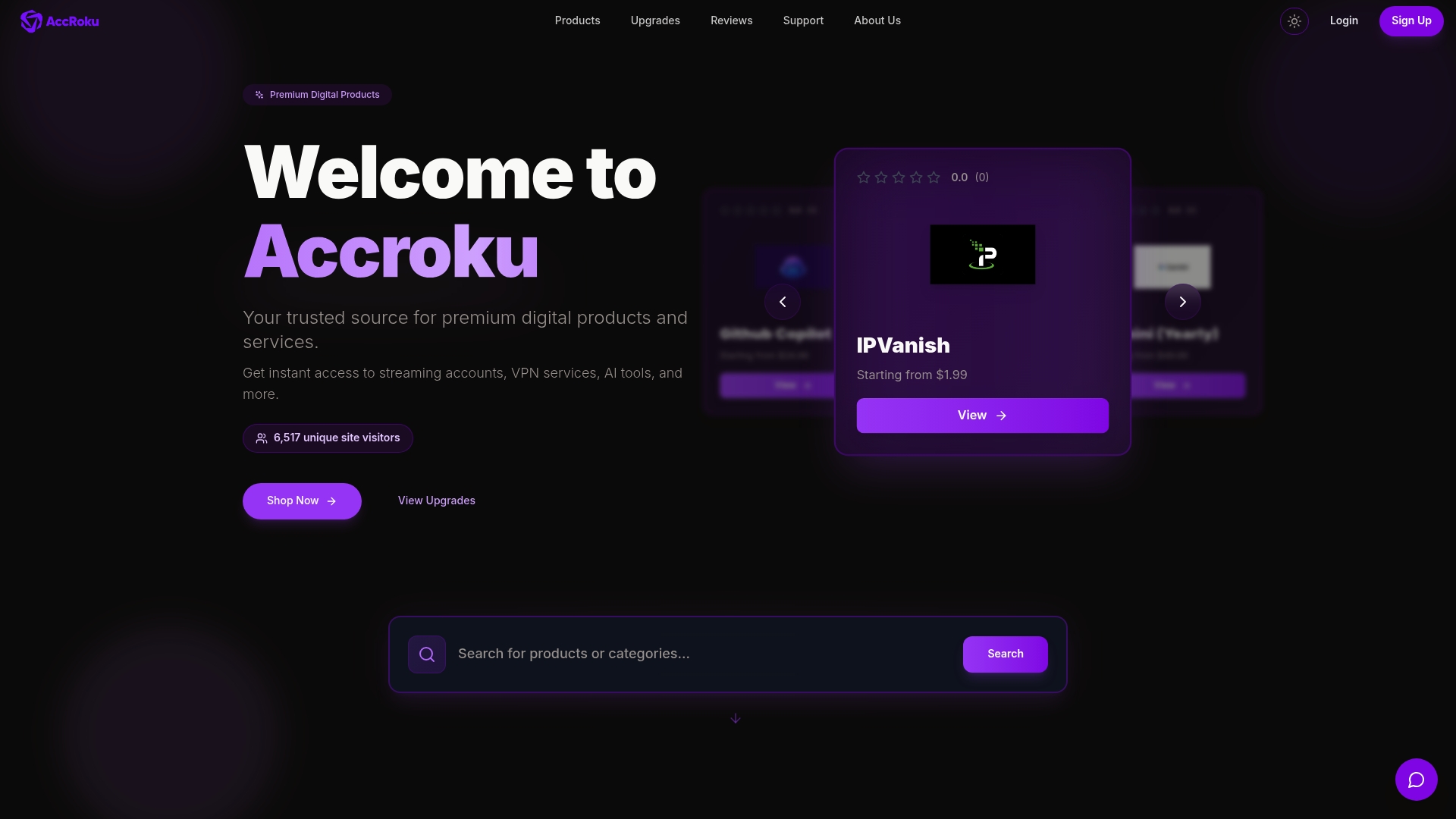
Browse our full digital accounts catalog to find streaming, VPN, and AI tool subscriptions from trusted sources. Whether you need a NordVPN digital account for secure browsing or a Spotify digital account for uninterrupted music, Accroku delivers fast, reliably, and with the support you deserve. No gray-market risk, no vanishing sellers.
Frequently asked questions
Is it legal to buy digital accounts from resellers?
Buying pre-made accounts from third-party resellers typically violates provider terms of service and can result in account bans or, in some cases, legal consequences. Always purchase directly from the official provider to stay compliant.
How can I safely buy a streaming service account?
Purchase your own subscription directly from the streaming provider and use official family or extra member plans if you want to share access legally. This guarantees full support and account security.
What should I do if I lose access to a purchased account?
If you bought directly, contact the provider’s official support with your confirmation email for fast recovery. Official purchases come with reliable provider support, while reseller accounts rarely offer any recovery path.
Are ‘lifetime’ account offers for AI tools like Midjourney legit?
Almost never. Official Midjourney plans are subscription-based, and any “lifetime” deal from an unverified source is almost certainly an unauthorized resell that risks termination without refund.
How fast can I access my service after buying directly?
You typically receive credentials or an activation link within seconds of completing your purchase. Official provider purchases deliver instant email confirmation so you can start using your service right away.
Recommended
Explore premium digital products on Accroku
Instant delivery, 24/7 support, and automatic replacement protection on every order.
Browse products